cURL - Introduction and how to getting started
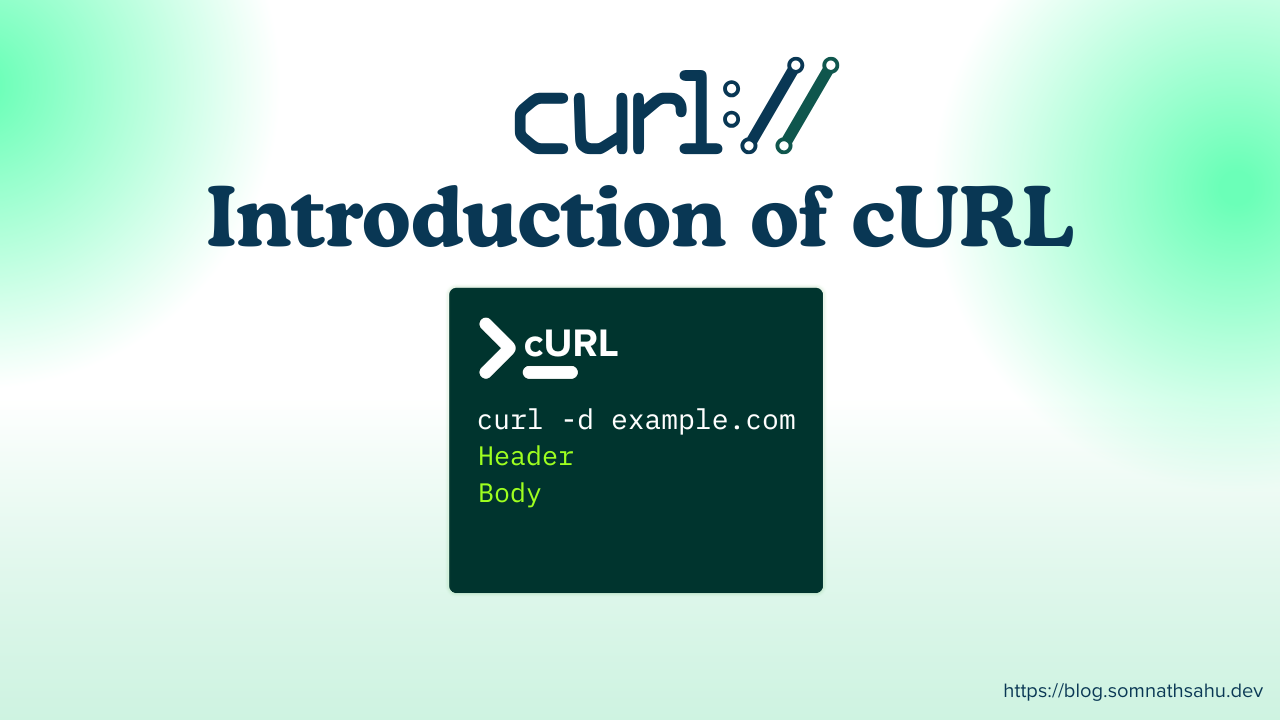
cURL is tool to transfer data from or to a server using URLs. cURL is known as a client URL. Without accessing through web, cURL tool allows to communicate with server directly. While transferring any data, it uses these protocols: DICT, FILE, FTP, FTPS, GOPHER, GOPHERS, HTTP, HTTPS, IMAP, IMAPS, LDAP, LDAPS, MQTT, MQTTS, POP3, POP3S, RTMP, RTMPS, RTSP, SCP, SFTP, SMB, SMBS, SMTP, SMTPS, TELNET, TFTP, WS and WSS.
How to start with cURL
cURL is a command line tool, directly accessible through terminal. In Mac OS/ Linux OS it comes with default but in Windows it will ask for permission first.
Note: For Windows users can install git bash and it will behave and supports some Linux based command
Use this following command to check the curl -v

Execute following command curl https://google.com first time in Windows will prompt for security risk and you need to accept that

Once you have accepted that command you will see all the information regarding that URL.

How cURL works:
cURL is a command line tool, it directly communicated with server and return only text content with certain attributes which are not in a good human readable format. It consists of status code, content, status description, Header, RawContent.
The returning data is completely depending upon the calling URL, if the calling URL is an endpoint of an API, it will return those data whether it contains with JSON or XML without validating the data types.

cURL becomes suitable alternative during API validation, it does not require any web interface to communicate, it directly call the server and returns the data.
Learn more about DNS Record types- How DNS works
cURL protocols:
curl supports numerous protocols, or put in URL terms: schemes. Here are the few protocols.
| Protocol | Description |
| DICT | Lets you lookup words using online dictionaries. |
| FILE | Read or write local files. cURL does not support accessing file:// URL remotely, but when running on Microsoft Windows using the native UNC approach works. Only absolute paths. |
| FTP(S) | cURL supports the File Transfer Protocol with a lot of tweaks and levers. With or without using TLS. |
| GOPHER(S) | Retrieve files. |
| HTTP(S) | cURL supports HTTP with numerous options and variations. It can speak HTTP version 0.9, 1.0, 1.1, 2, and 3 depending on build options and the correct command line options. |
| IMAP(S) | Using the mail reading protocol, cURL can download emails for you. With or without using TLS. |
| LDAP(S) | cURL can do directory lookups for you, with or without TLS. |
| MQTT | cURL supports MQTT version 3. Downloading over MQTT equals subscribing to a topic while uploading/posting equals publishing on a topic. MQTT over TLS is not supported (yet). |
| POP3(S) | Downloading from a POP3 server means getting an email. With or without using TLS. |
| RTMP(S) | The Realtime Messaging Protocol is primarily used to serve streaming media and cURL can download it. |
| RTSP | cURL supports RTSP 1.0 downloads. |
| SCP | cURL supports SSH version 2 SCP transfers. |
| SFTP | cURL supports SFTP (draft 5) done over SSH version 2. |
| SMB(S) | cURL supports SMB version 1 for upload and download. |
| SMTP(S) | Uploading contents to an SMTP server means sending an email. With or without TLS. |
| TELNET | Fetching a telnet URL starts an interactive session where it sends what it reads on stdin and outputs what the server sends it. |
| TFTP | cURL can do TFTP downloads and uploads. |
| WS(S) | WebSocket done over HTTP/1. WSS implies that it works over HTTPS. |
Few cURL uses:
GET Request with cURL:
This uses default GET request while you curl any URLs like: https://jsonplaceholder.typicode.com/users/
Open your terminal and type the following: curl https://jsonplaceholder.typicode.com/users/
It will return the users and their properties as the response directly in your terminal.

POST request with cURL
POST request is mainly used to add new data or resources to a database by sending information to a server. You can make a POST request using cURL like this:
curl -X POST https://yourapiurl.com \
  -H "Authorization: Bearer aoiueio2123olsudoas" \
  -H "Content-Type: application/json" \
  -d '{
    "name": "your name"
  }'
Explanation
-X POST→ Specifies the HTTP method as POST-H "Authorization: ..."→ Requires authorization token in the request header to authenticate with server-H "Content-Type: application/json"→ Tells the server that the request body is JSON-d→ Contains the data that will be sent to the server
This request sends JSON data to the API, allowing the server to create a new resource in its database.
Final Thoughts
Now a days there are tools like Postman, SOAP tool to communicate directly with that API using interface, but those UI tools works on the layer of cURL, so cURL is core for those tools, you can execute those command without modern tools as well. Yeah! sometimes during POST method these web tools are required to modify and update request body in the ui itself rather than using a command line.