DNS record types : explanation and detailed overview
In this digital era, every time whenever you have visited any website and your website is failed to open, now you might think - “what the hell this website is not working properly? does my internet not working…”. So before thinking why this website is not working, let’s understand how any website works. Each website which serves the content, hosted their content in a location which is known as a server. Each server has a unique address which is known for IP address. IP address is consists or random number like 123.44.34.2 which is quite a elusive. Now, the website owner has reserved a unique name which helps them to share that name with the customer like (google.com) and that name does not change unlike IP address changes.
So whenever any user type the name google.com in the browser, it automatically lookup the associated IP and display the required content from that server. This entire lookup system is moreover known as a Domain Name System aka DNS.
How DNS works?
DNS works like a telephone directory, where it stores all the associated IP with the human readable domain name. So whenever you have entered any domain name or my personal website in the browser like somnathsahu.dev it goes to the DNS resolver which is your ISP.
Now this resolver looks for the name server for the IP and this root server directs it to the Top-Level Domain (TLD) server (e.g., for .dev).
The resolver asks the TLD server, which points it to the Authoritative Nameserver for somnathsahu.dev. The Authoritative Nameserver holds the actual IP address and sends it back to the resolver. And the resolver sends the IP address to your browser.
Now your browser uses the IP address to connect to the website's server and display the website content.

Why DNS records are required?
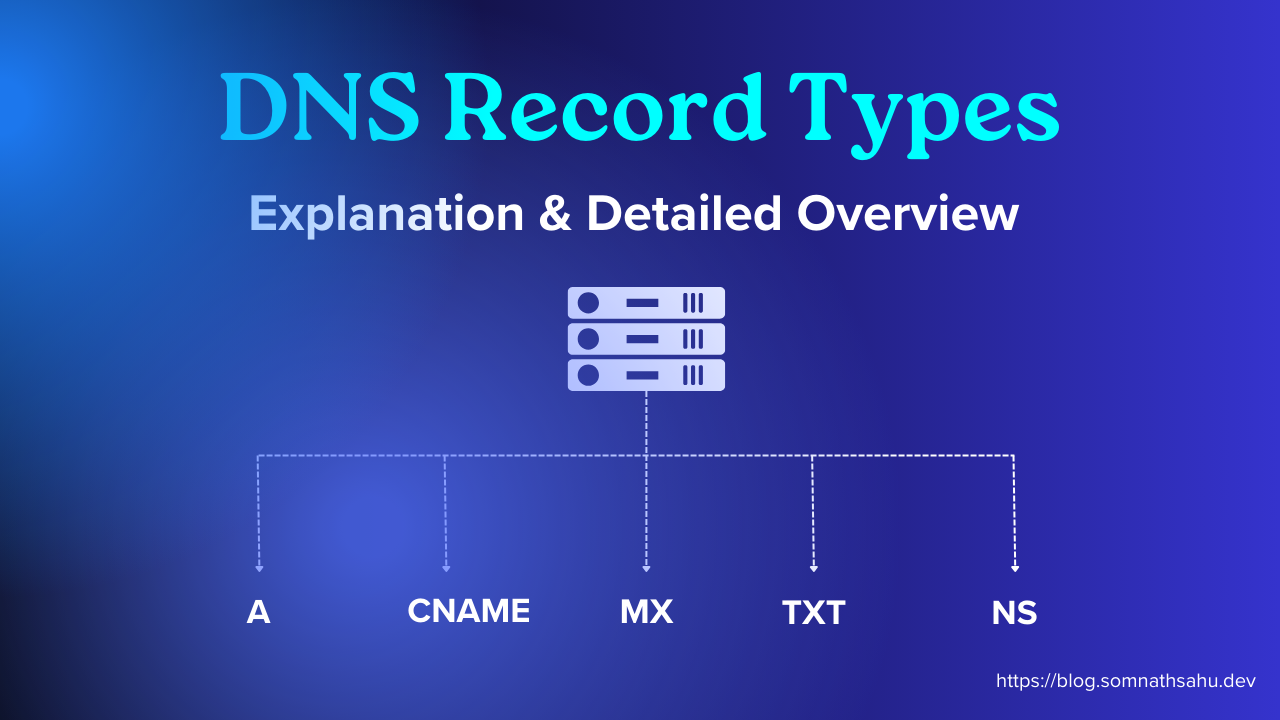
Generally, DNS is not only showing the website content. More over DNS records are used to control of a domain and its authority. DNS contains many records like A, AAAA, CNAME, MX, TXT, NS and each records types has different work to manage the domain, sending emails, creating aliases and many more.
So more over DNS has different types of records for different purposes.
Website server and file management publicly.
Email delivery and communication.
Manages / ownership validation of domain.
Manages the subdomain or aliases.
DNS records has 4 columns i.e. type, name, value , TTL.
type refers to record type like A, MX, TXT etc.
name refers to domain name or subdomain name (mostly it is written as
@,blog)value refers to where that name is pointing too whether it would be any text or any IP.
TTL refers how long a DNS resolver (like your ISP's server) caches that particular DNS record
A Record:
The "A" stands for "address" and this record stores the IPV4 address of the website where the website is hosted. It looks similar like this 123.34.45.2
This A record is only the responsible records which allows to directing the web traffic. If you are using a managed web hosting or even an EC2 or a VPS, these servers are allocated an IP address which is actually directing the web traffic to that destination website.

Here is an example of an A record:
| somnathsahu.dev | record type: | value: | TTL |
| @ | A | 198.0.2.1 | 14400 |
AAAA Record:
AAAA records match a domain name with respect to an IPv6 address. This AAAA records are exactly like DNS A records, except that they store a domain's IPv6 address instead of its IPv4 address.
Here is an example of an AAAA record:
| somnathsahu.dev | record type: | value: | TTL |
| @ | AAAA | 2891:0db8:87c3:0000: | |
| 0000:8a2e:0b70:7334 | 14400 |
CNAME Record:
A "canonical name" (CNAME) record points from an alias domain to a "canonical" domain or subdomain. A CNAME record is used in lieu of an A record, when a domain or subdomain is an alias of another domain.
For example, blog.somnathsahu.dev has a CNAME record with a value of "hashnode.network" (without the "blog"). This means when a DNS server hits this blog.somnathsahu.dev domain, it actually triggers another DNS lookup for somnathsahu.dev and their it found CNAME with “blog” named which is referring to a hasnode.network domain. Now it actually triggers another DNS lookup to hashnode.network and returning hashnode.network’s IP address via its A record.
Example of a CNAME record:
| somnathshau.dev | record type: | value: | TTL |
| blog | CNAME | hashnode.network | 32600 |
MX Record:
MX either way Mail Exchange record directs email to a mail server. The MX record indicates how any email message should be routed in accordance with the Simple Mail Transfer Protocol (SMTP, the standard protocol for all email).
Example of an MX record:
| somnathsahu.dev | record type: | priority: | value: | TTL |
| @ | MX | 10 | mailhost1.example.com | 45000 |
| @ | MX | 20 | mailhost2.example.com | 45000 |
TXT Record:
TXT record lets a domain manager to enter text into the Domain Name System (DNS). Text is stored in the form of one or more strings within quotation marks. The TXT record was originally intended as a place for human-readable notes. However, now it is also possible to put some machine-readable data into TXT records. One domain can have many TXT records.
Example of a TXT record:
| somnathsahu.dev | record type: | value: | TTL |
| @ | TXT | "txt:22323njf" | 32600 |
Today, two of the most important uses for DNS TXT records are email spam prevention and domain ownership verification, although TXT records were not designed for these uses originally.
NS Record:
NS stands for ‘nameserver,’ and the nameserver record indicates which DNS server is authoritative for that domain. Basically, this records tell the Internet where to go to find out a domain's IP address. A domain often has multiple NS records which can indicate primary and secondary nameservers for that domain. Without properly configured NS records, users will be unable to load a website or application.
Here is an example of an NS record:
| somnathsahu.dev | record type: | value: | TTL |
| @ | NS | ns1.exampleserver.com | 21600 |
Wrap up
DNS is a quite important topic which actually keep your website live.
And now we have discussed the five main DNS record types:
A Record – Website address IPV4
AAAA record - similar like A record but contains IPV6 address
CNAME Record – Domain alias or subdomain creation
MX Record – Email routing
NS Record – DNS control